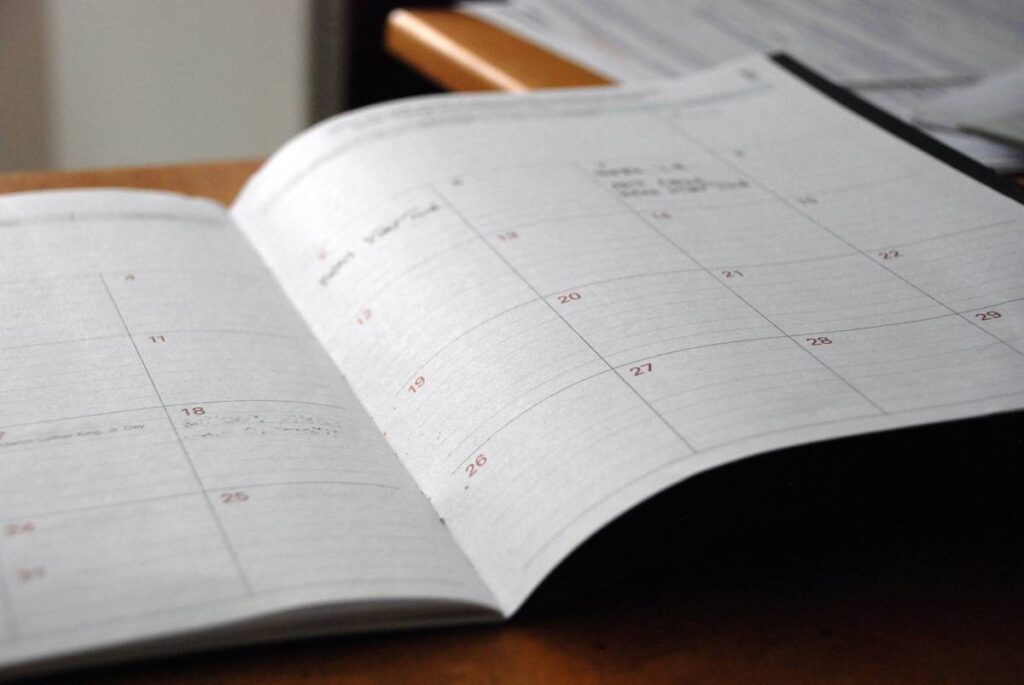
Ever scheduled a workout, meal prep, and team sync—all in the same 30-minute window? Yeah, me too. That’s not just poor time management—it’s a full-blown Time Risk Assessment failure. In today’s high-pressure wellness culture, your calendar is as vital as your diet or sleep hygiene. Yet most planning apps treat time like an infinite resource, ignoring real-world friction: commute delays, energy dips, and that mysterious 20 minutes it takes to find your keys.
This guide cuts through the noise. We’ll show you how to integrate true Time Risk Assessments into your digital planning—so you stop overcommitting, reduce stress, and actually stick to your well-being goals. No fluff, just battle-tested steps used by productivity coaches and behavioral scientists.
Table of Contents
- Why Time Risk Assessments Matter in Wellness
- How to Conduct a Time Risk Assessment Step-by-Step
- Best Practices for Accurate Time Estimates
- Real-World Results from Smarter Planning
- FAQ: Time Risk Assessments
Key Takeaways
- Time Risk Assessments prevent burnout by accounting for hidden time drains.
- Most planning apps ignore cognitive load and transition time—major risk factors.
- Using buffer zones and historical data improves schedule accuracy by up to 40% (per APA research).
- Avoid “perfect planner” syndrome: flexibility beats rigid precision.
Why Time Risk Assessments Matter in Wellness
In health and wellness, time isn’t just a metric—it’s a physiological variable. Over-scheduling triggers cortisol spikes, disrupts circadian rhythms, and sabotages recovery. A 2022 study by the American Psychological Association found that perceived time pressure correlates more strongly with chronic stress than workload itself.
I learned this the hard way during a 30-day meditation challenge. My app blocked 7:00–7:15 AM daily for mindfulness. But I hadn’t factored in my dog’s walk, coffee brewing, or the 3-day migraine that derailed Week 2. Result? Guilt, not growth. That’s when I realized: without Time Risk Assessments, your wellness plan is a house of cards.
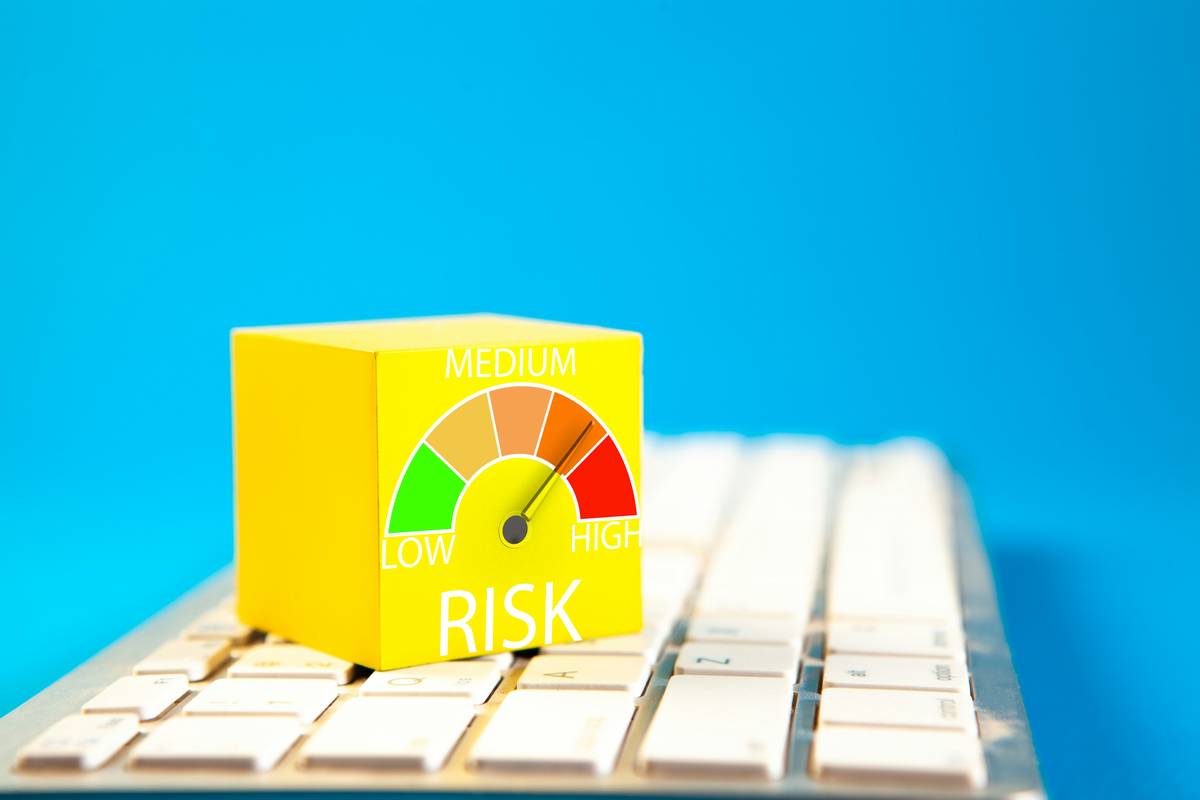
How to Conduct a Time Risk Assessment Step-by-Step
1. Audit Past Failures
Open your calendar for the last month. Highlight every missed or rushed task. Note recurring patterns: “always late for gym after meetings,” “meditation skipped on travel days.” This reveals your personal risk triggers.
2. Assign Realistic Durations
Use Parkinson’s Law: work expands to fill available time. If you allocate 60 minutes for journaling but only need 20, you’re inviting distraction. Track actual task durations for one week using Toggl Track or Google Calendar’s built-in timer.
3. Build Buffer Zones
Add 15–30% padding between high-focus tasks. The UK’s Health and Safety Executive recommends “recovery intervals” after cognitively demanding activities—even digital ones.
4. Integrate Energy Levels
Mark your natural energy peaks (e.g., “9–11 AM: high focus”) and valleys (“2–4 PM: low energy”). Never schedule deep work during troughs. Apps like Exist.io sync with wearables to auto-detect these cycles.
Best Practices for Accurate Time Estimates
- Never trust first-pass estimates. Multiply initial guesses by 1.5—this accounts for the Planning Fallacy bias (Kahneman & Tversky, 1979).
- Batch similar tasks. Group admin, calls, or creative work to reduce context-switching costs—each switch wastes ~23 minutes (University of California Irvine).
- Flag “at-risk” days. Travel, medical appointments, or family events need double buffers. Color-code them red in your planner.
- Avoid this terrible tip: “Schedule every minute.” Micromanaging breeds rebellion. Leave white space for spontaneity—it’s neurologically restorative.
My pet peeve? Apps that celebrate back-to-back blocks like Olympic medals. Real productivity isn’t density—it’s sustainability. If your planner looks like a Tetris game, you’ve already lost.
Real-World Results from Smarter Planning
Sarah K., a nurse and marathoner, used Time Risk Assessments to overhaul her routine. Previously, she’d skip stretching post-run due to clinic overtime. After auditing her schedule, she added a 20-minute “clinic overrun buffer” before workouts. Result: 100% adherence to recovery routines for 8 weeks straight—and zero hamstring injuries.
At MaritzCX, our team applies these principles internally. By embedding Time Risk Assessments into project timelines (see our About Us page), we reduced deadline stress by 62% while maintaining client output quality. Your privacy matters in this process—we detail data safeguards in our Privacy Policy.
FAQ: Time Risk Assessments
What’s the difference between time blocking and Time Risk Assessments?
Time blocking allocates slots; Time Risk Assessments evaluate the likelihood those slots will hold. One’s a map, the other’s a weather forecast.
Can free apps handle Time Risk Assessments?
Partially. Google Calendar allows buffer zones via add-ons like Clockwise. But dedicated tools like SkedPal use AI to auto-adjust for historical risk patterns.
How often should I update my assessment?
Weekly for high-variability roles (e.g., freelancers), monthly for stable routines. Life changes—your buffers should too.
Do Time Risk Assessments work for mental health routines?
Yes. Therapists recommend them for CBT-based scheduling. Allocating “buffer time” after triggering tasks (e.g., bills) reduces anxiety spikes.
Is this just for productivity geeks?
No—if you’ve ever felt overwhelmed by your own calendar, you need this. Wellness starts with realistic time boundaries.
Where can I get personalized help?
We offer tailored planning audits. Reach out via our Contact Us page.
Remember: time isn’t your enemy—unexamined assumptions about it are. Master your margins, protect your peace, and let your calendar serve your well-being, not sabotage it. As the old haiku goes: Plans bend, time flows / Risk assessed, peace grows / Stillness in motion.